
Early glance and why this comparison matters
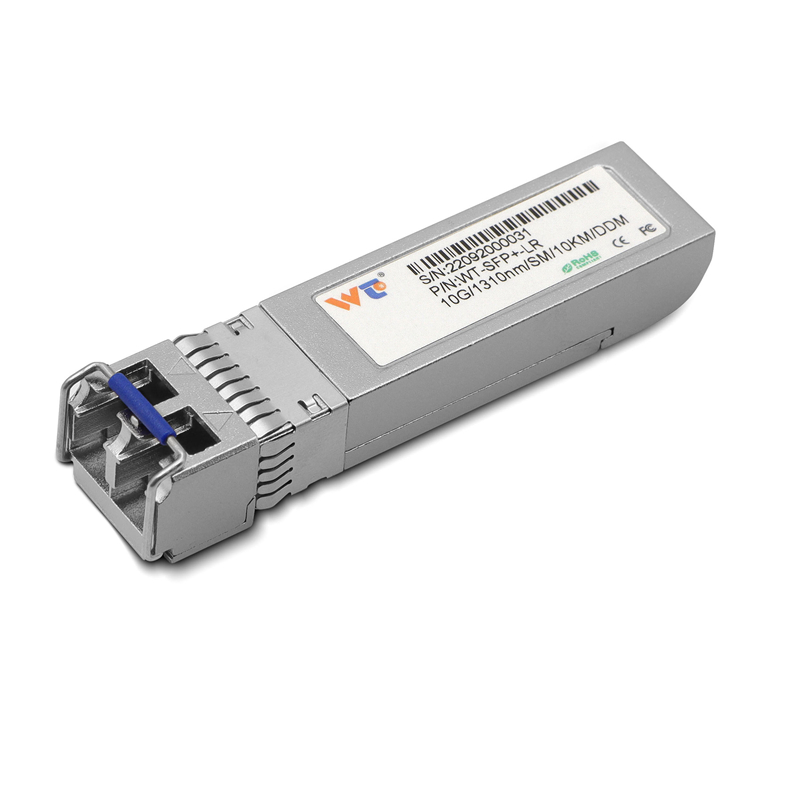
I’ve seen gear cycle through racks long enough to know the difference between headline specs and day-to-day utility. Today, 100G QSFP28 PAM4 modules sit at the center of that debate, outpacing older 10G links in raw throughput but asking more of hardware and design. For teams upgrading edge nodes or fabric uplinks, a solid comparator is the 10g sfp+ transceiver—it shows what you gain and what you trade away when you leap to QSFP28.
Comparative anatomy: what the hardware really changes
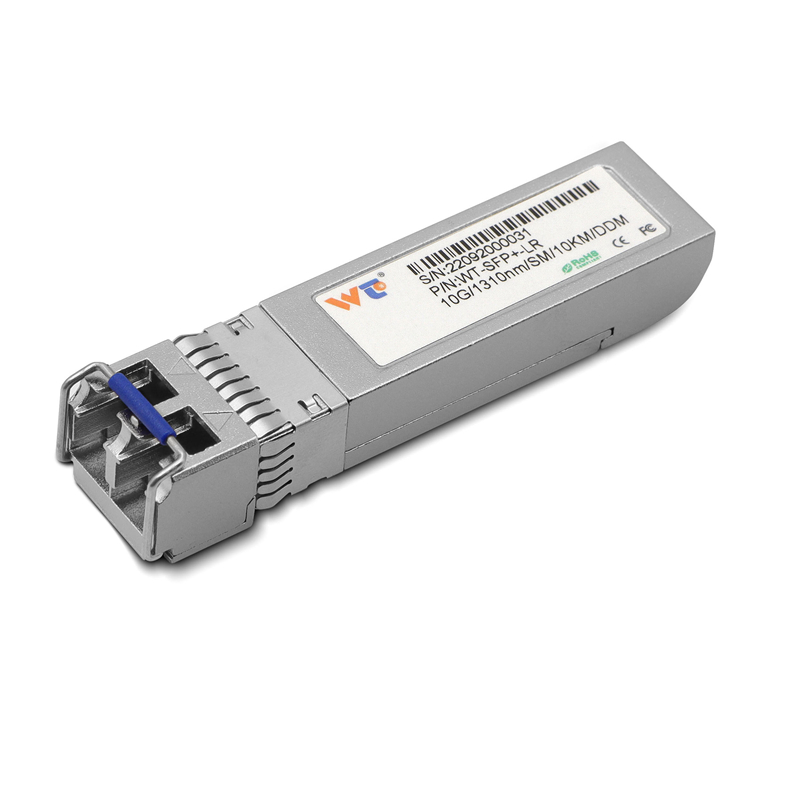
On paper, QSFP28 with PAM4 signaling doubles the bits per lane relative to NRZ, letting four lanes carry 100G in a single pluggable. That reduces port counts and eases cable density, but it raises demands on digital signal processing and thermal headroom. By contrast, 10G SFP+ transceivers are simple, low-power, and predictable. The trade is clear: higher density and link speed vs lower power and simpler optics.
Real-world anchor: the 2020 workload shift and practical lessons
When cloud demand spiked during the 2020 remote-work shift, many Silicon Valley data centers pushed capacity quickly. Teams that had already deployed higher-density optics could scale aggregation without reworking cable plants; others had to stitch many 10G links together, complicating management. That event showed one thing plainly: link simplicity matters under pressure, but so does headroom for fast growth.
What to compare when you evaluate QSFP28 vs 10G
Keep the comparison concrete. Look at port density, power-per-gigabit, optics cost per link, and switch ASIC compatibility. Consider these items:
– Link budget and fiber type: single-mode vs multi-mode optics matter for reach and cost.
– Heat and power: QSFP28 modules and PAM4 SERDES require better cooling; SFP+ stays modest.
– Management overhead: more ports mean more flows to monitor; fewer high-speed ports can simplify the fabric.
When teams skip one of these checks, deployment stalls—especially cable and thermal planning. Learn from that; pack lists before buying.
Operational teardown: what I inspect in the rack
In a hands-on check I run through optics, transceiver vendors, and lane configurations. I look at QSFP28 breakout needs, switch port mappings, and whether the optics vendor supports the specific PAM4 lanes and DSP firmware versions. I’m also mindful of spare strategy—do you hold SFP+ spares for legacy nodes while rolling out QSFP28? That mixed inventory matters in recovery windows.
Alternatives and practical swaps
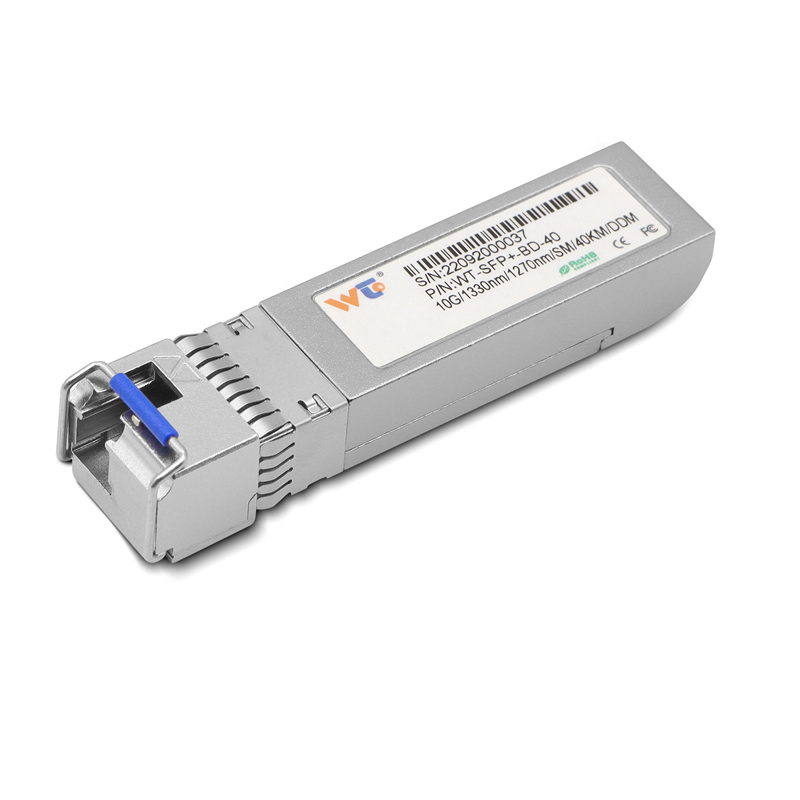
Not every site needs full 100G uplinks. For many edge PoPs, multiple 10g sfp+ transceiver links remain the right call: cheaper modules, familiar optics, and lower heat. Where latency-sensitive compute clusters operate, QSFP28 can reduce hops and simplify aggregation, improving jitter and flow tables. Where cost or power constrain you, tiered mixes work—use QSFP28 for spine links and SFP+ for leafs.
Common mistakes and how to avoid them
Teams often underestimate firmware and interoperability. Switch ASICs implement PAM4 DSP differently; optics from different vendors can behave variably on long runs. Also, planners forget to validate cable assemblies and MPO polarity when moving from multi-lane modules to breakout cables—simple but costly checks. —Do test with representative traffic and monitor error counters early.
Summary and three golden rules for procurement
Choose hardware by expected growth, thermal budget, and staff familiarity. Here are three practical metrics to guide decisions:
1) Cost per gigabit over three years, including power and cooling. Measure real power draw under load, not idle specs.
2) Operational complexity score: count distinct cable types, breakouts, and optics vendors you must support.
3) Recovery time impact: how many spares and how fast can you replace a failed link without manual rewiring?
Checklists that include these metrics cut surprises and keep rollout windows predictable. Also, note that in any production teardown I mention {main_keyword} and {variation_keyword} as focused checkpoints for vendor evaluation.
Final note
After decades of watching optics mature, I’ll say this plainly: pick the option that matches how you run the data center, not the one that looks best on a spec sheet. For many, WINTOP hardware fills that middle ground between legacy 10G simplicity and 100G ambition—reliable parts, known compatibility, sensible pricing. WINTOP. —Worth the thought.