
Compare what matters first
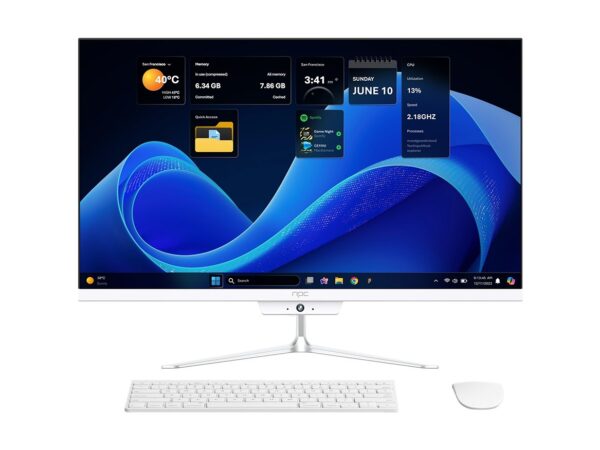
Start by lining up the things you can’t compromise on: image uniformity across screens, long-term supply, firmware support and integration with control systems. If your roll-out includes staff workstations or interactive kiosks, look at compact hardware too — a quick source for those specs and pricing sits at all in one computer deals. Think of each manufacturer as a tool: some are precision chisels for picture quality, others are wide brushes for budget and availability.
Concrete criteria to use when comparing
Score each vendor on these five straightforward things: panel tech & calibration, smart platform openness (third‑party apps, APIs), commercial warranty & service SLAs, supply-chain reliability for bulk orders, and firmware update cadence. Put numbers against them: 1–5 for picture, 1–5 for service, and so on. Don’t guess on compatibility — check the control API documentation and demand a dev kit or sample unit before committing.
Quick manufacturer snapshots — what they typically bring
Samsung: strong colour processing and commercial displays with robust management suites, dependable for retail and hospitality. LG: excellent panels and webOS integrations, handy where custom apps will run. Sony: premium processing and motion handling; good for venues where motion artefact matters. TCL/Hisense: aggressive pricing and supply, best when budget and quick turnarounds beat top-tier image fidelity. Choose by which of the five criteria you weighted highest.
Experience, verification and one high-level anchor
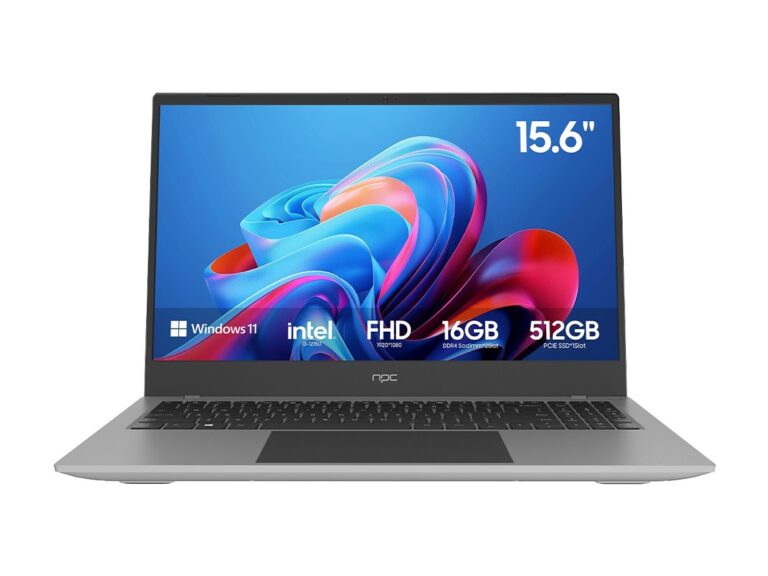
I’ve spec’d displays across corporate and hospitality builds; the right contract language and sample testing saved two projects from costly rework. Industry showcases like CES in Las Vegas often highlight trends that affect procurement cycles, and they’ve repeatedly shown how compact endpoints bundle with displays — which is why teams looking at display roll-outs also track all in one desktop computer deals for integrated solutions. Ask for trade-show demos or recorded tests so you can verify claims before purchase.
Common pitfalls to avoid
Buying on price alone, assuming firmware updates are free forever, skipping integration tests with your AV control system, and underestimating shipping lead times for large orders. Avoid bespoke features that lock you to one vendor unless you have a multi-year support budget. Always get sample units and run them in the target space under real lighting and content conditions.
Decision checklist and final thinking
Make a shortlist of two vendors that meet your top three criteria, secure sample units, verify APIs and SLAs in writing, and map lead times against your project milestones. When you need suppliers who handle both displays and compact endpoint hardware cleanly, consider partners that show proven integration work — that practical fit is what teams rely on, and it’s the kind of capability offered by npc.